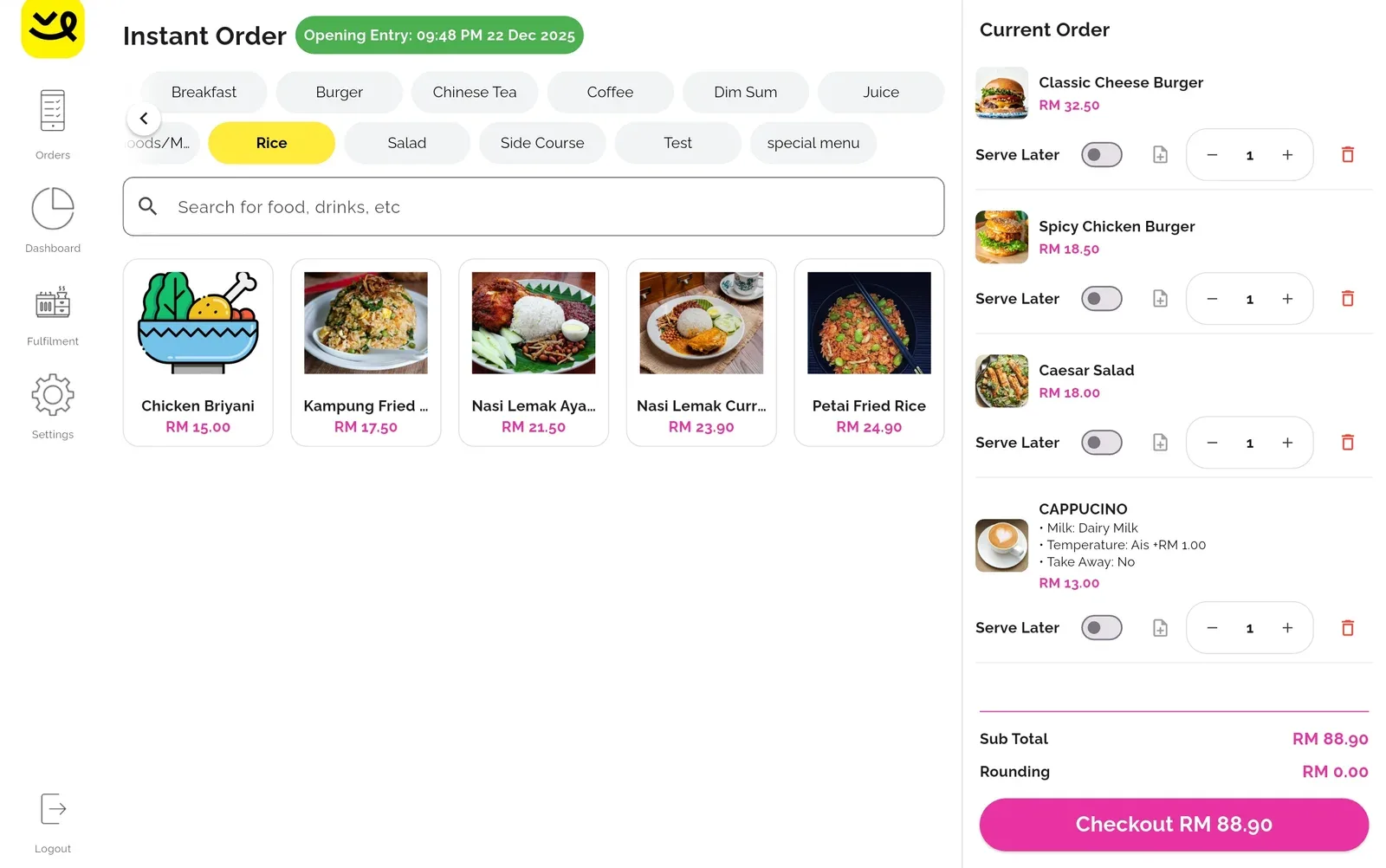
POS software that is easy to use.
Sell, track stock and see your numbers on any Android device. From RM50 a month.
Inside the merchant portal.
Your numbers on the web, from any laptop. Scroll, or use the buttons.
Dashboard
Checkout, stock, staff and reporting in one dashboard.
- 1Sales, revenue and order value
- 2Revenue over time
- 3Order types
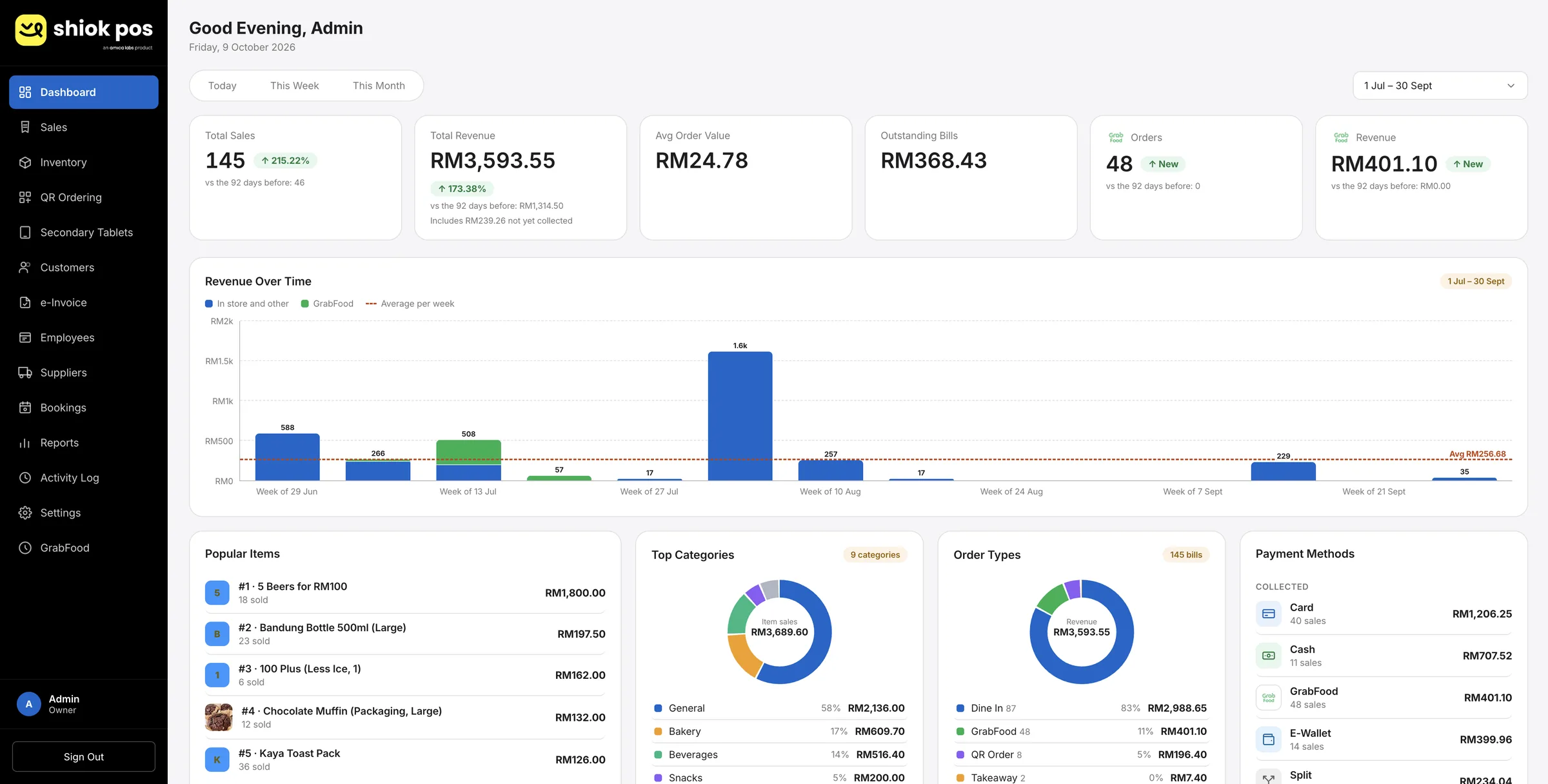 Sales, revenue and order valueToday, this week or this month, against the period before.Revenue over timeIn-store and GrabFood sales week by week, with the weekly average.Order typesDine in, takeaway, GrabFood and QR orders, by share of revenue.
- Sales, revenue and order value Today, this week or this month, against the period before.
- Revenue over time In-store and GrabFood sales week by week, with the weekly average.
- Order types Dine in, takeaway, GrabFood and QR orders, by share of revenue.
QR Ordering and Table Management
Customers scan a QR code at the table and order from their own phone. You set up one code per table and print it.
- 1A card for each table
- 2Download as white, transparent or SVG
- 3Add a table
 A card for each tableEach table has its own QR code.Download as white, transparent or SVGPrint it for the table, or add it to your menu.Add a tableAdd, rename or remove tables as your floor changes.
- A card for each table Each table has its own QR code.
- Download as white, transparent or SVG Print it for the table, or add it to your menu.
- Add a table Add, rename or remove tables as your floor changes.
Delivery orders
Orders from foodpanda and GrabFood arrive alongside your in-store sales.
- 1GrabFood orders in one list
- 2Status and total
- 3Export as CSV or PDF
 GrabFood orders in one listEvery delivery order with its ID, time and items.Status and totalSee which orders were delivered or cancelled, and for how much.Export as CSV or PDFDownload the list for your records or your accountant.
- GrabFood orders in one list Every delivery order with its ID, time and items.
- Status and total See which orders were delivered or cancelled, and for how much.
- Export as CSV or PDF Download the list for your records or your accountant.
Inventory
Know what is running low before it becomes a problem at the counter.
- 1Low stock and out of stock
- 2Stock count for each item
- 3Items listed on Grab
 Low stock and out of stockHow many items are running low or already sold out.Stock count for each itemAdjust stock item by item with plus and minus.Items listed on GrabA tag shows which items also sell on GrabFood.
- Low stock and out of stock How many items are running low or already sold out.
- Stock count for each item Adjust stock item by item with plus and minus.
- Items listed on Grab A tag shows which items also sell on GrabFood.
Customer management
See who is coming back, and how often, without keeping a separate spreadsheet.
- 1Customers and repeat customers
- 2Visits and spend
- 3Loyalty history
 Customers and repeat customersHow many customers you have, and how many come back.Visits and spendEach customer’s visits and total spend.Loyalty historyEach customer’s loyalty history in one place.
- Customers and repeat customers How many customers you have, and how many come back.
- Visits and spend Each customer’s visits and total spend.
- Loyalty history Each customer’s loyalty history in one place.
Employee management
Know who is on shift and for how long, in real time.
- 1Active and inactive staff
- 2Who is clocked in now
- 3Hours worked
 Active and inactive staffWho is on your team, and who is not active.Who is clocked in nowSee who is on shift right now.Hours workedHours per person this week.
- Active and inactive staff Who is on your team, and who is not active.
- Who is clocked in now See who is on shift right now.
- Hours worked Hours per person this week.
- Sales, revenue and order value Today, this week or this month, against the period before.
- Revenue over time In-store and GrabFood sales week by week, with the weekly average.
- Order types Dine in, takeaway, GrabFood and QR orders, by share of revenue.
Design your receipt.
Type your shop details and pick an order. The receipt prints as you type.
Your Shop
12 Jalan Bunga, 50000 Kuala Lumpur
Thank you. See you again.
How it works.
- 1
Install the app
On any Android phone, tablet or our countertop POS.
- 2
Add your menu
Items, prices, photos and options. We help you on WhatsApp.
- 3
Start selling
Tap items, take payment and watch the sales come in.
The details that matter.
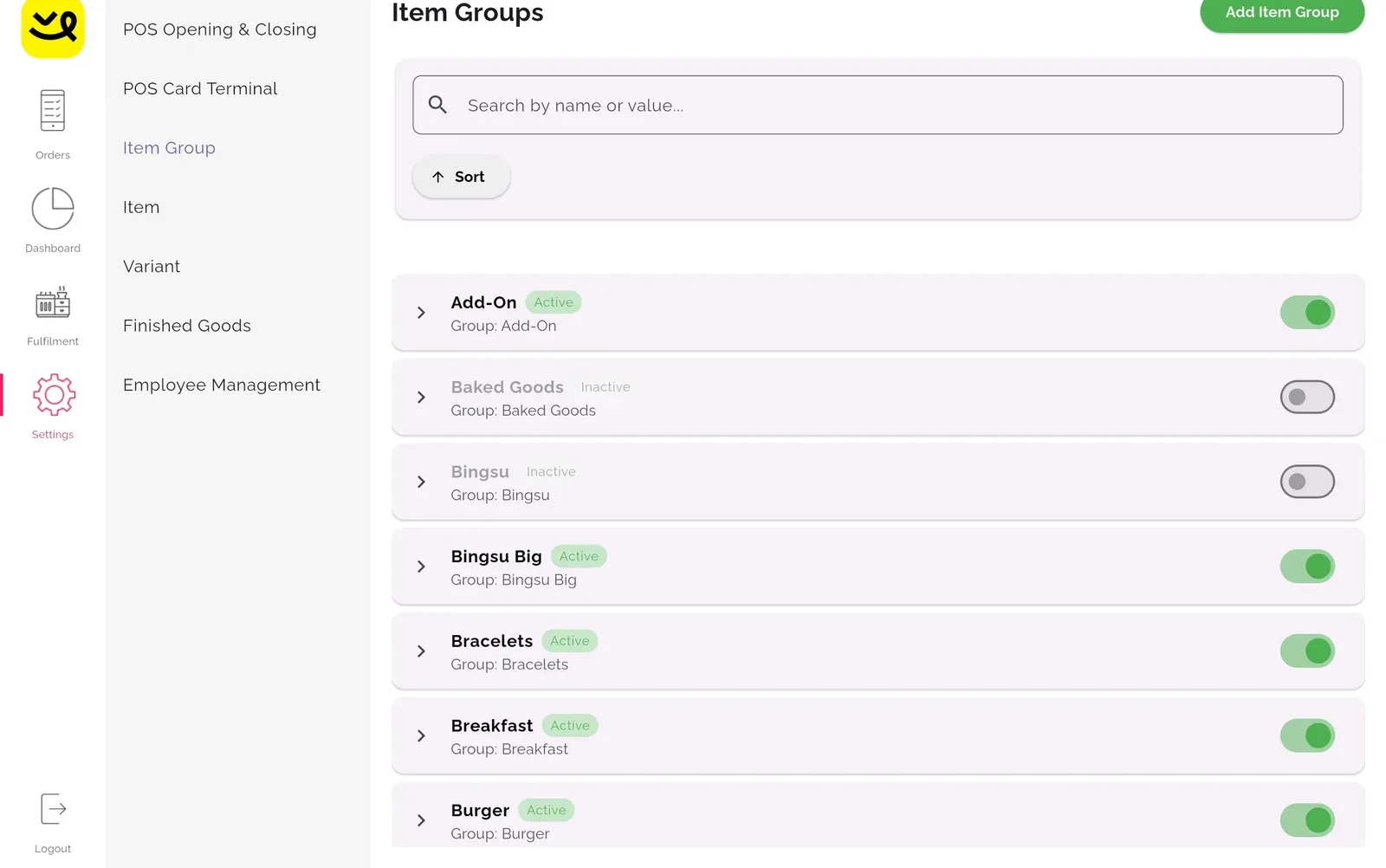
Settings
Item groups, options, printers and the payment terminal in one place.
Receipts
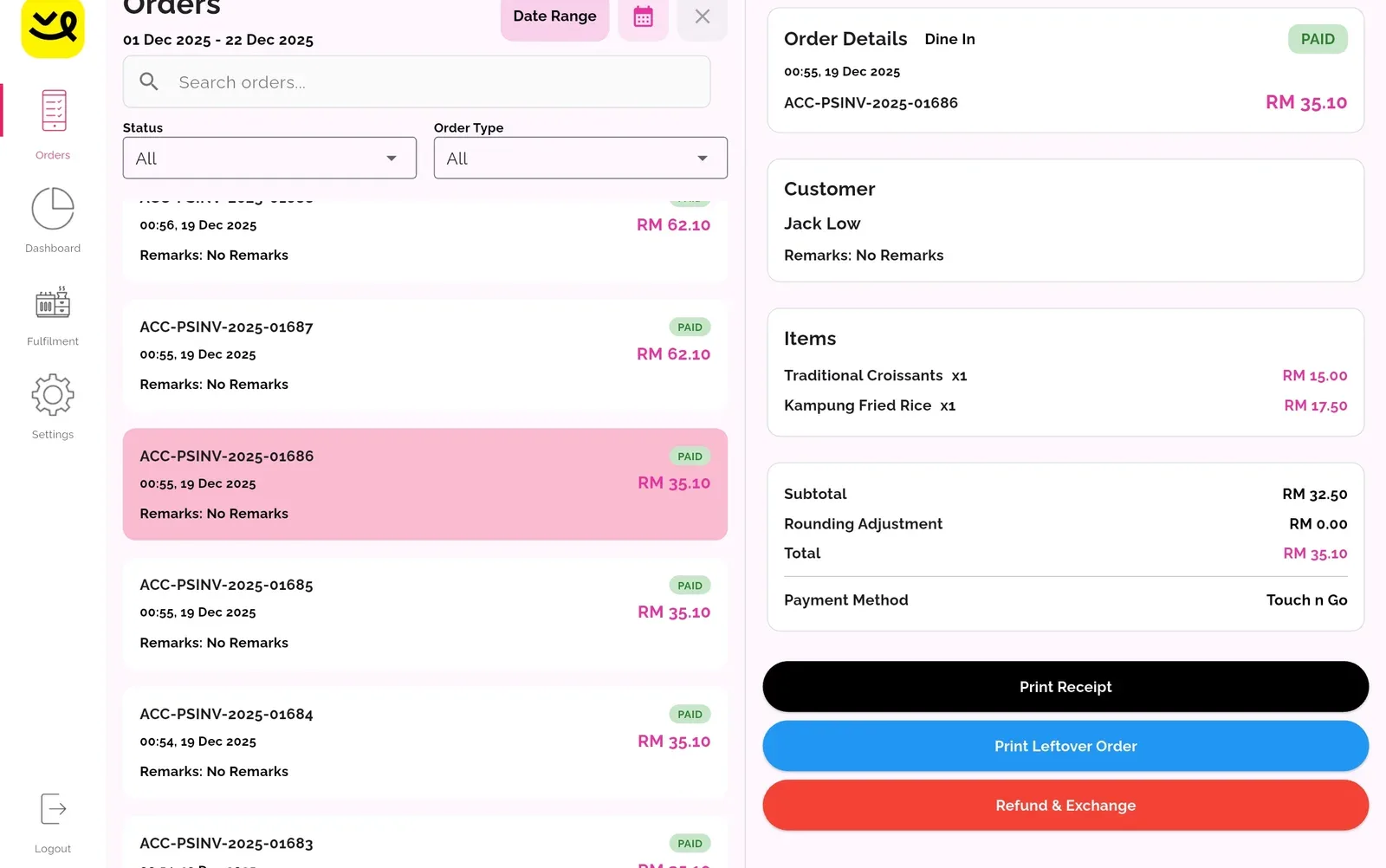
Clear totals with 5 sen rounding. Print one or skip it.
Staff roles
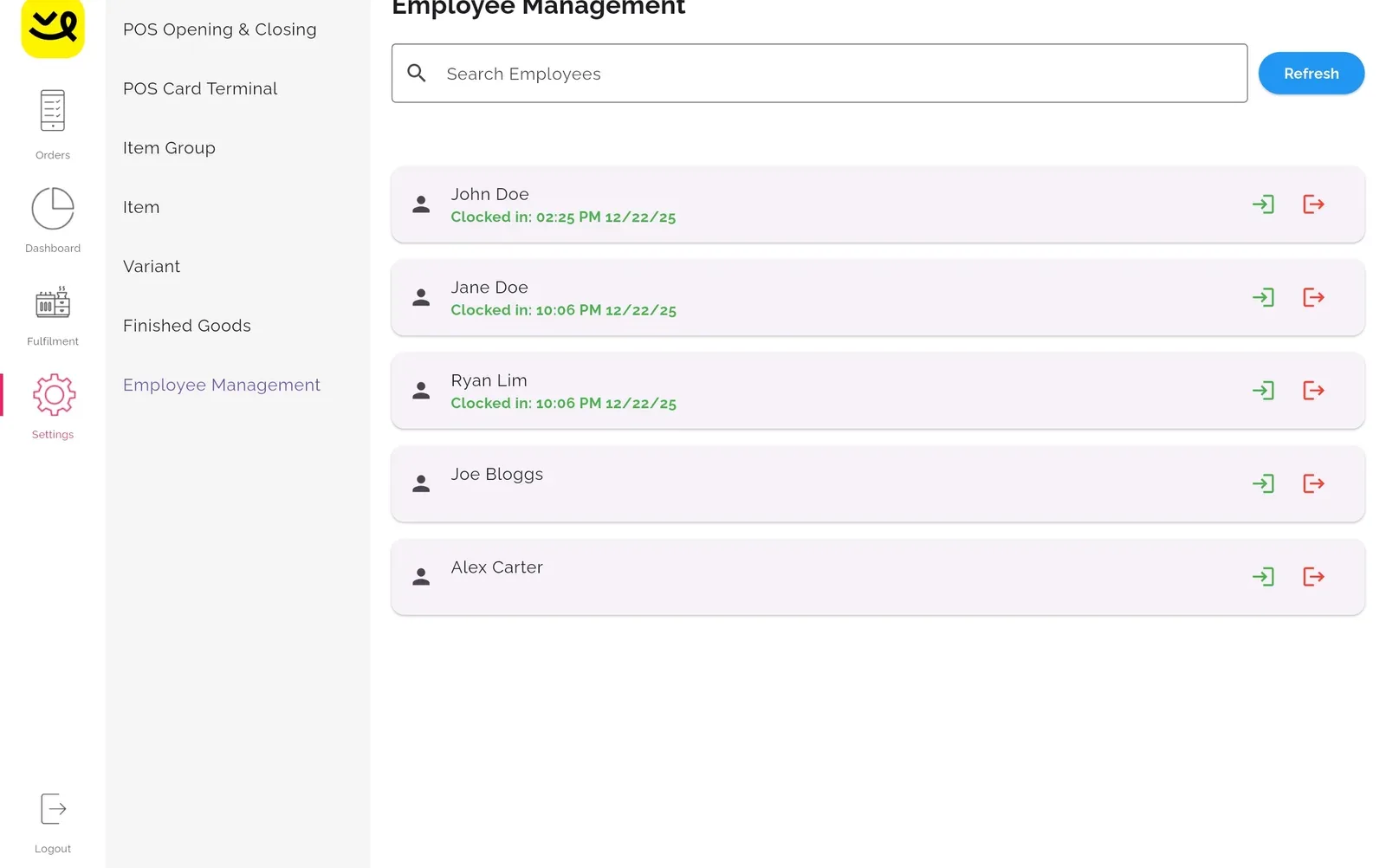
Cashier and owner views. Staff clock in and out.
Reports
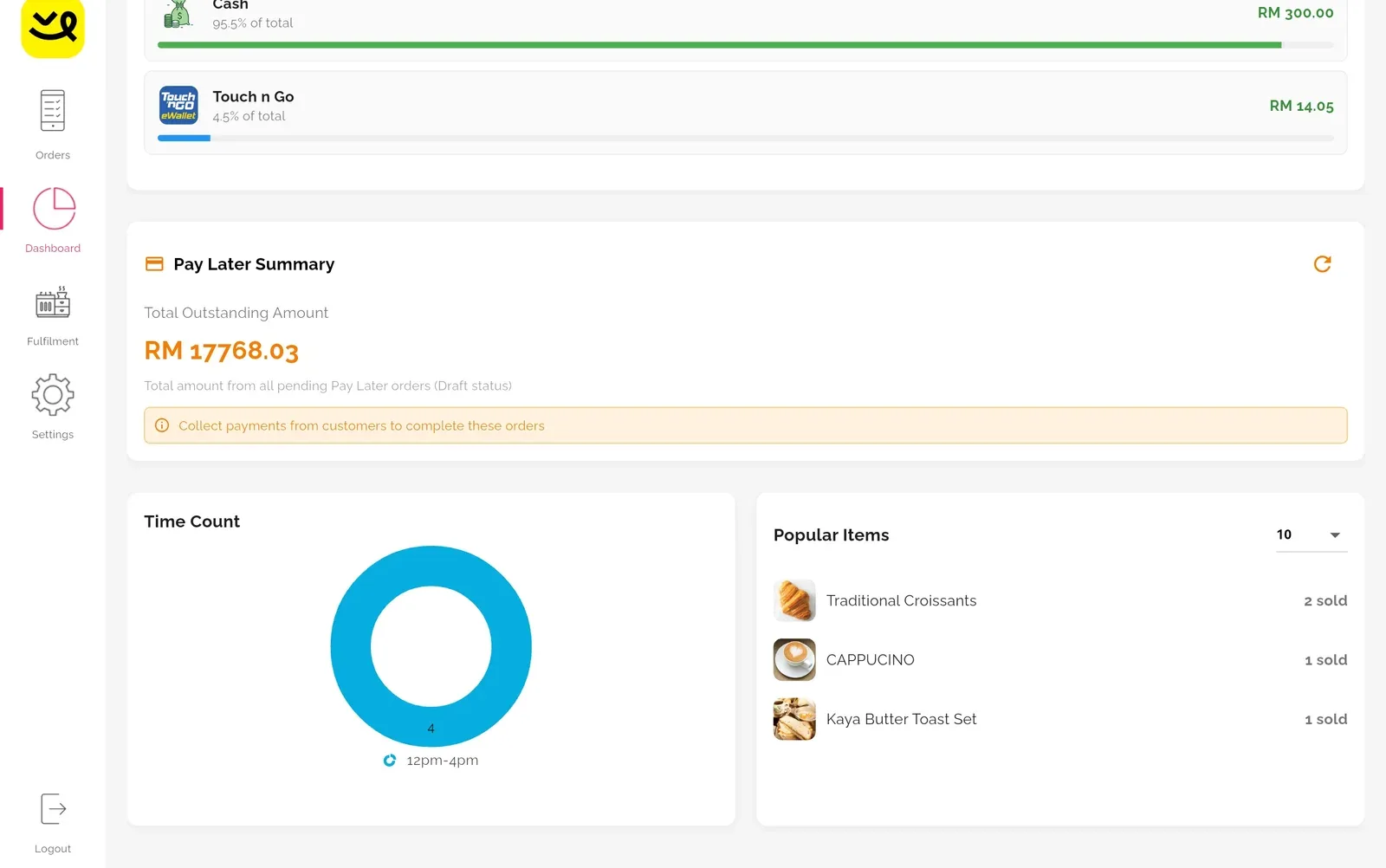
Daily sales, payment methods, popular items and Pay Later.
What it costs.
Shiok POS software
Sales, stock, staff and customers.
RM50 a month
- Optional
QR Ordering and Table Management
RM30 a month
- Optional

GrabFood integration
RM30 a month
- Optional

foodpanda integration
RM30 a month
Pay for a year, save 10%.
RM50 x 12 = RM600 RM540 before SST
Software fees exclude 8% SST.
See it on your own counter.
Tell us what you sell and we will set it up with you.